Automater Lite · free for Windows, macOS and Linux

One tray app for all your AIcoding tools.

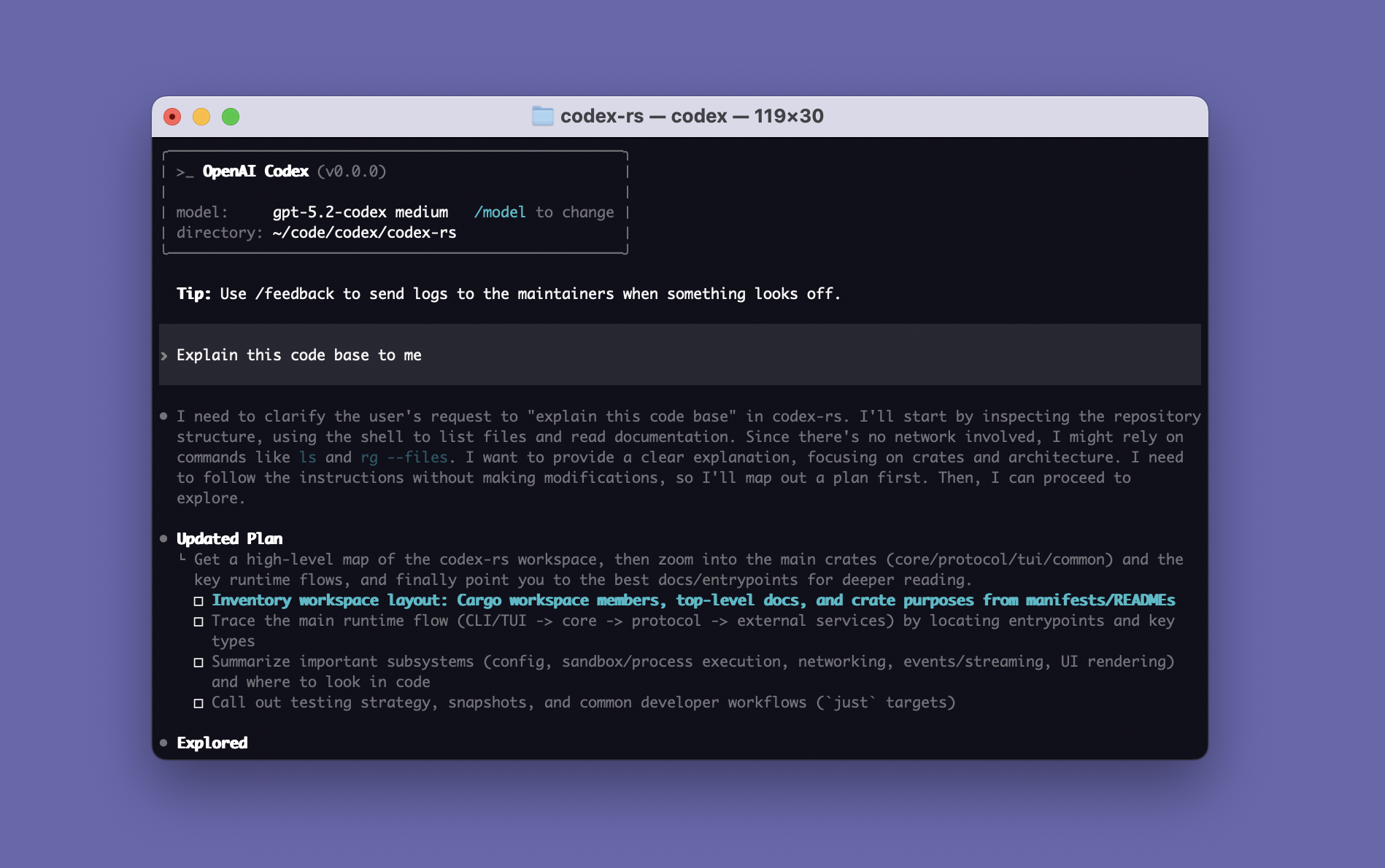
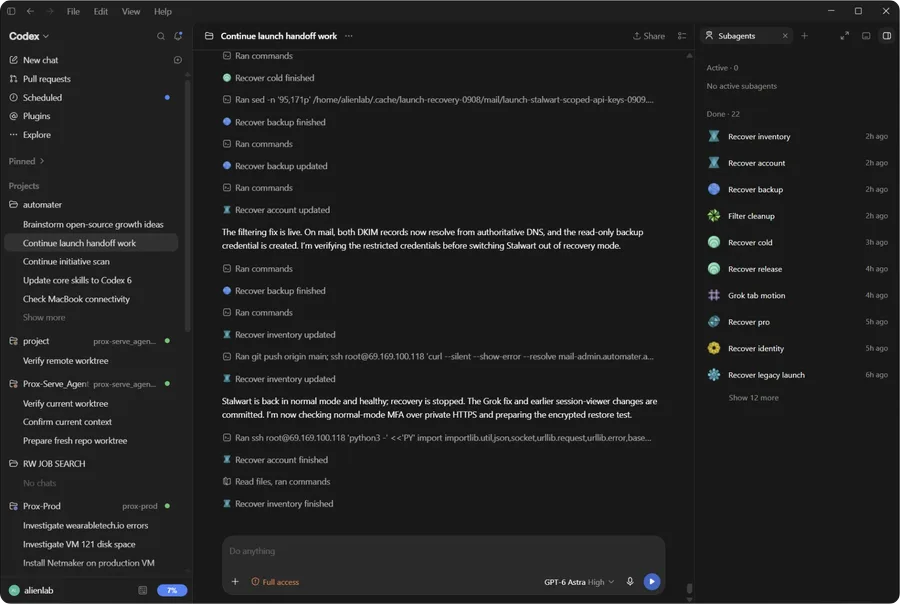
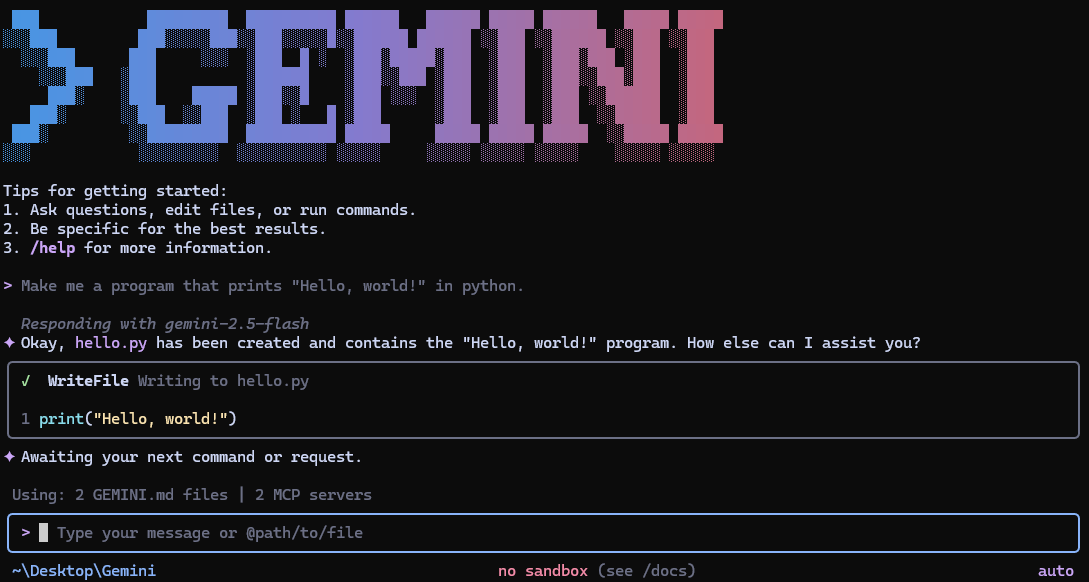
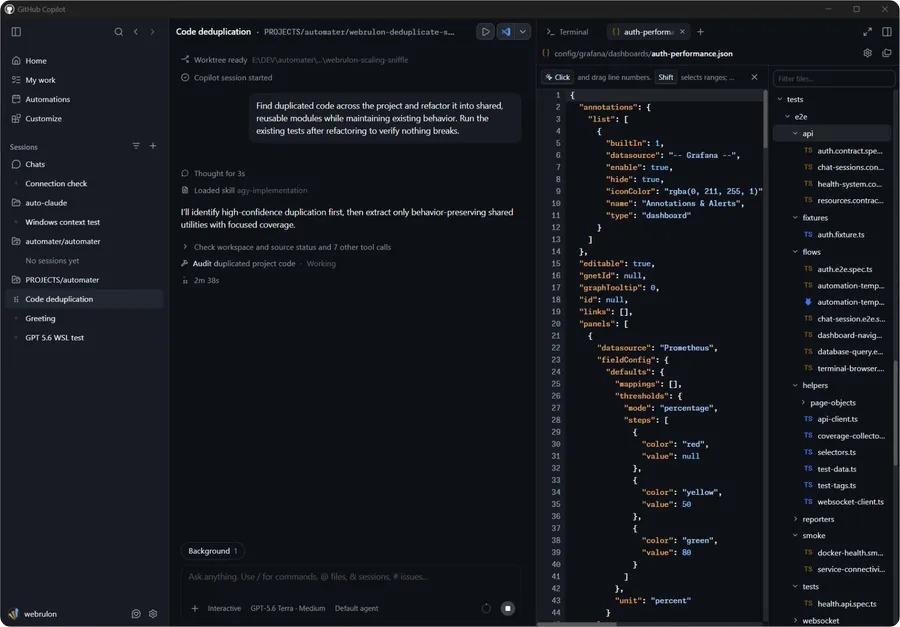
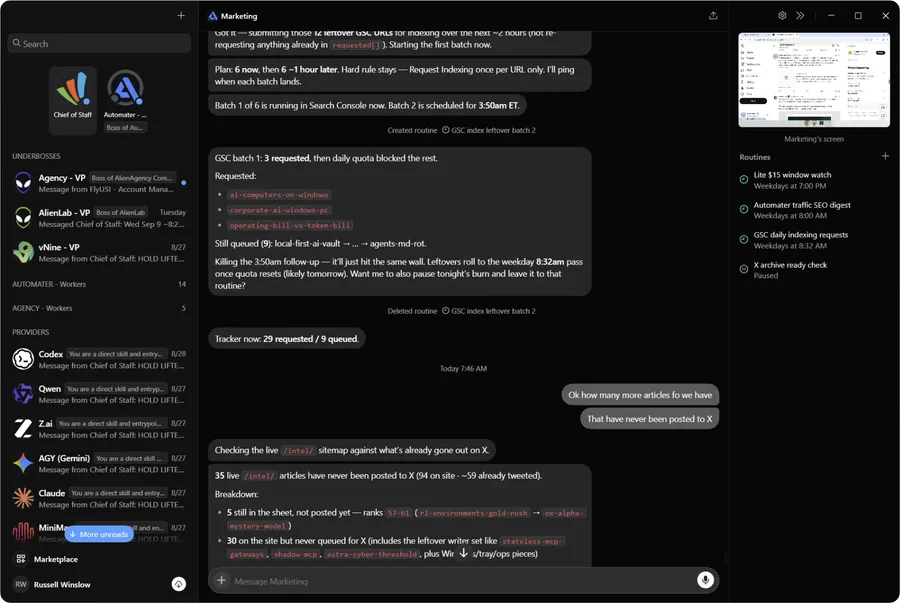
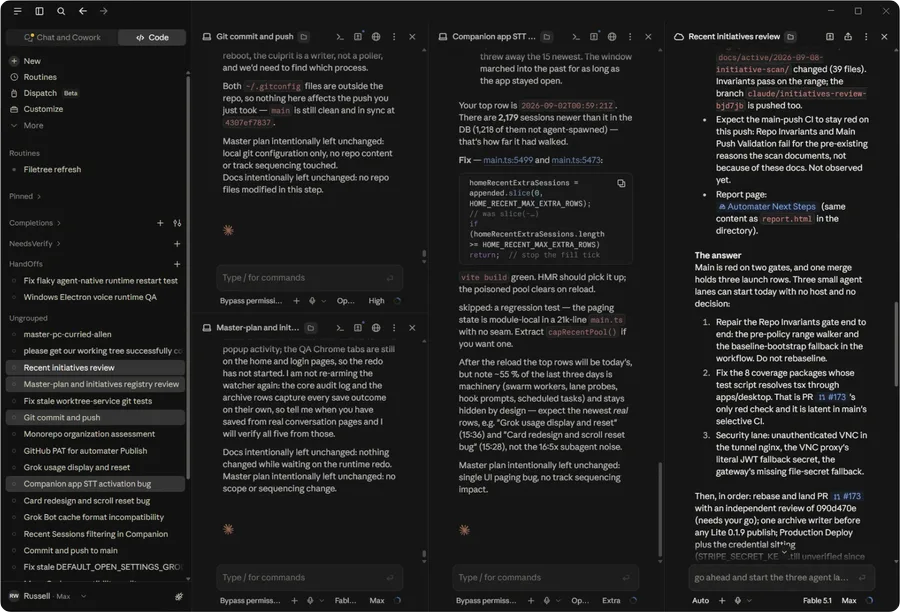
Claude Code, Codex, Cursor, Gemini CLI and 37 other tools each keep their own history, in their own folder, in their own format. Automater Lite reads those files and gives you three things:

  • One searchable library of every session, kept on your own disk.
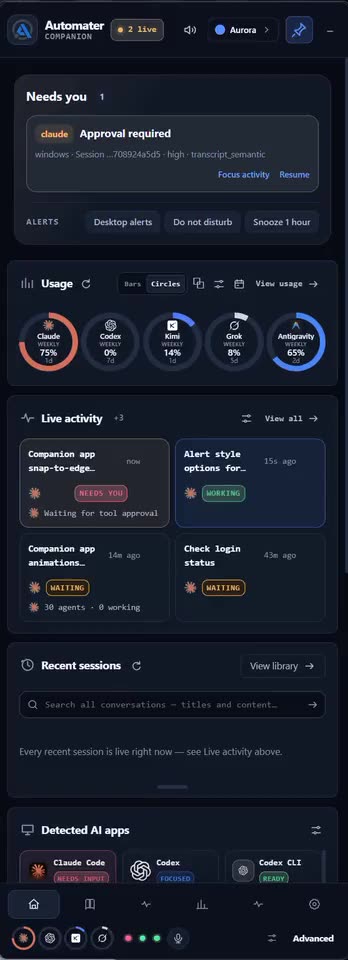
  • A flag the moment an agent is waiting on you for an answer or an approval.
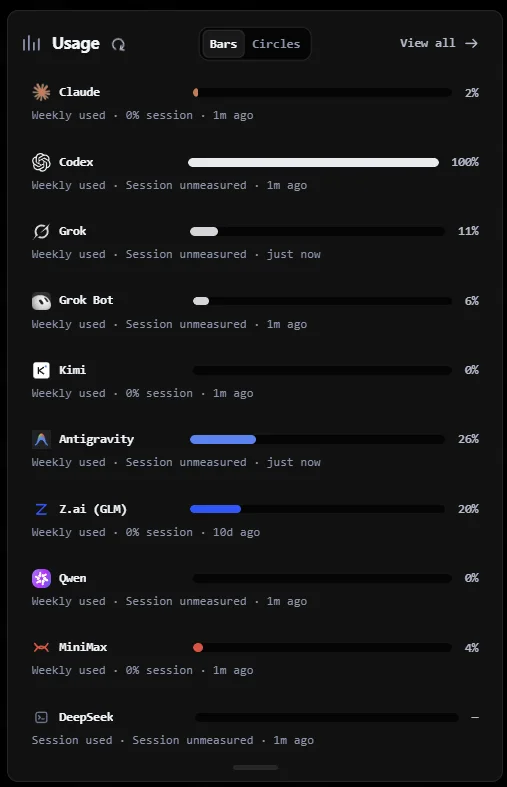
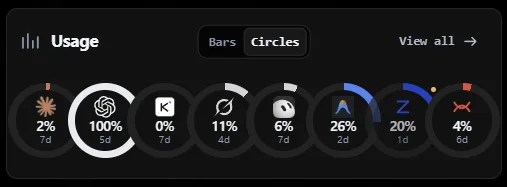
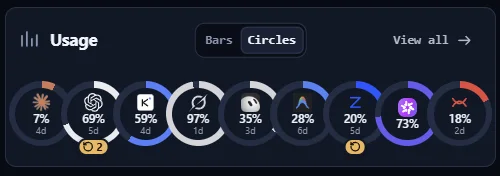
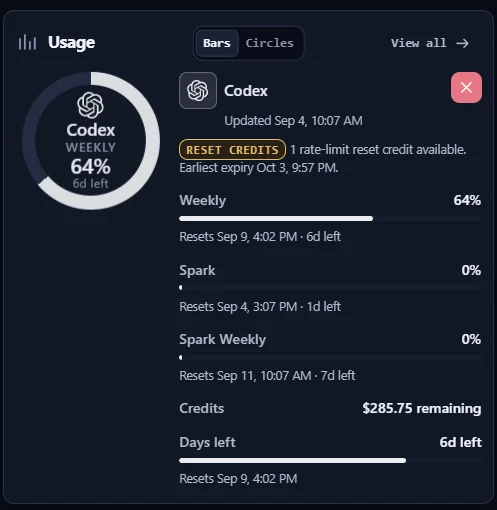
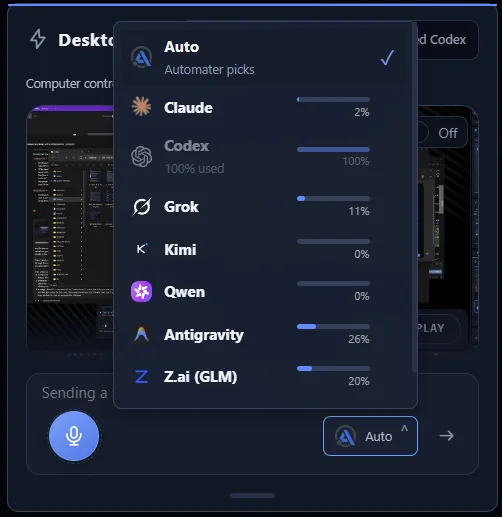
  • One usage meter across 9 providers, so you see what is left before it runs out.
Download free

No account. Nothing uploaded. Signed installers for Windows x64, macOS on Apple silicon and Linux x86_64.

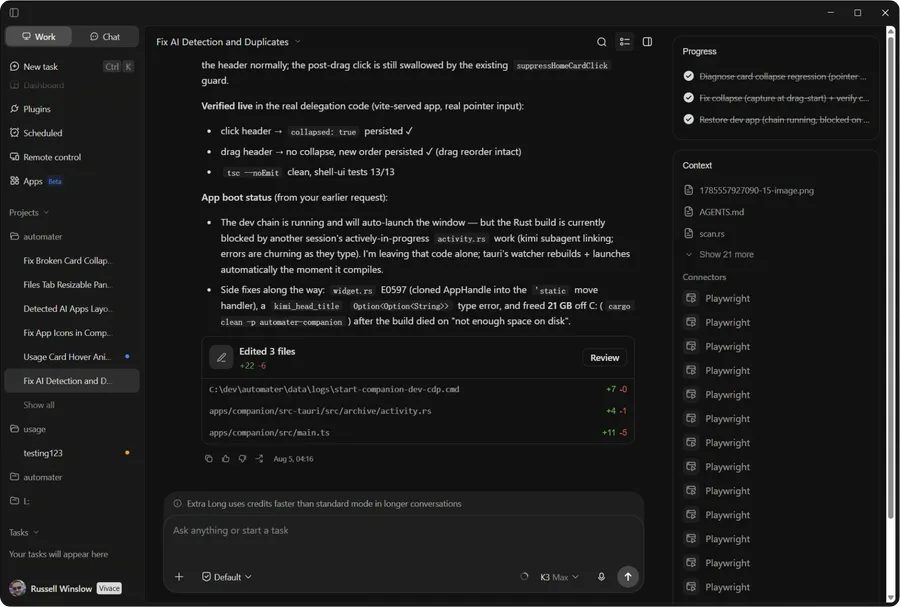
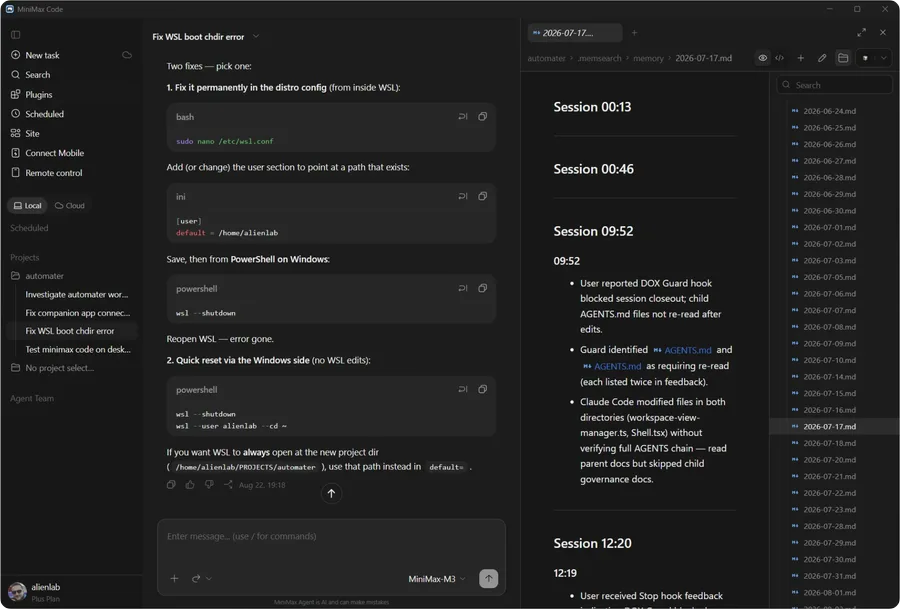
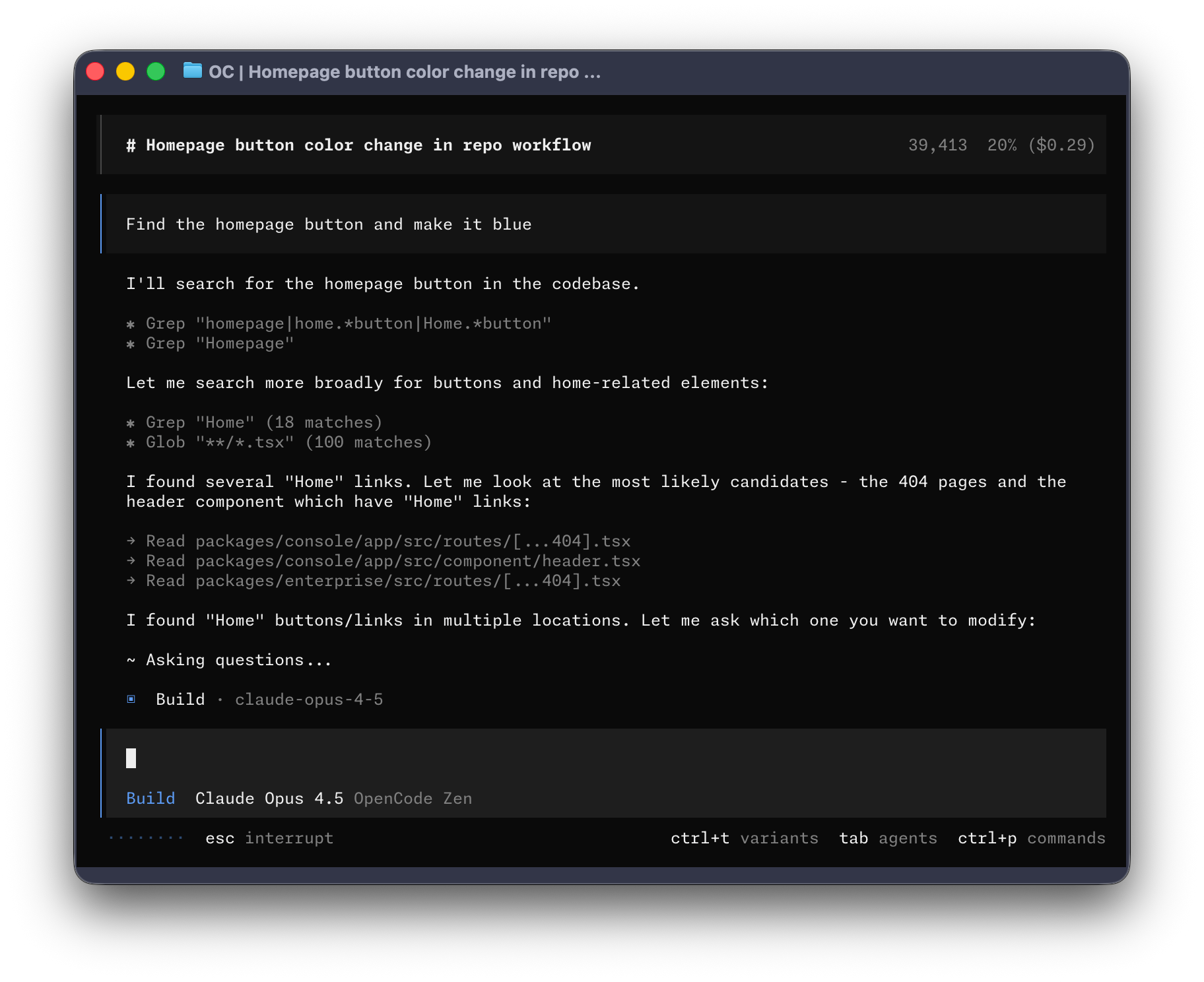
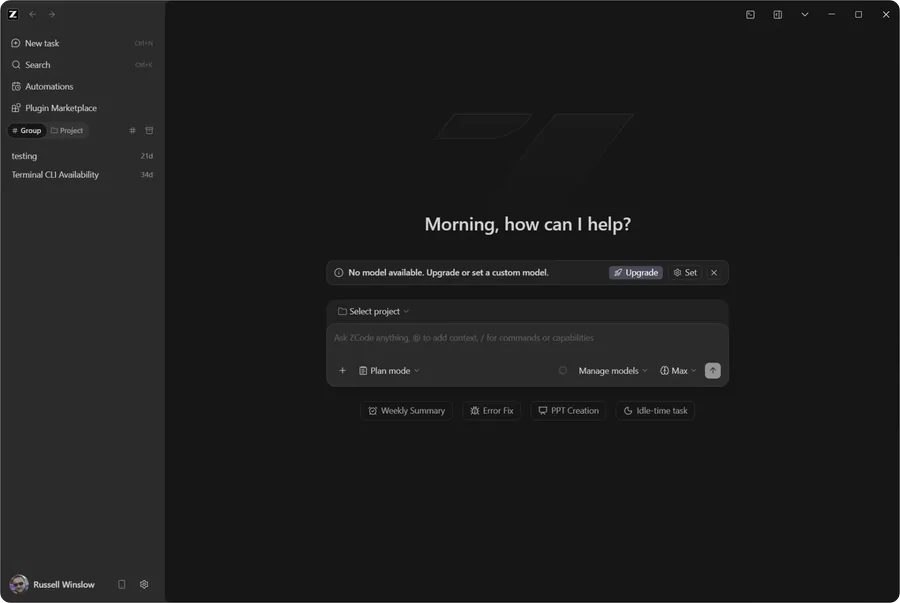
Live capture · Automater Lite companion

The problem

You run five assistants a day. Each one keeps its own diary in its own format, in its own corner of your disk. No unified search across harnesses.

Automater Lite keeps the sessions, flags the ones waiting on you, and counts what they cost.

Live capture · Automater Lite companion

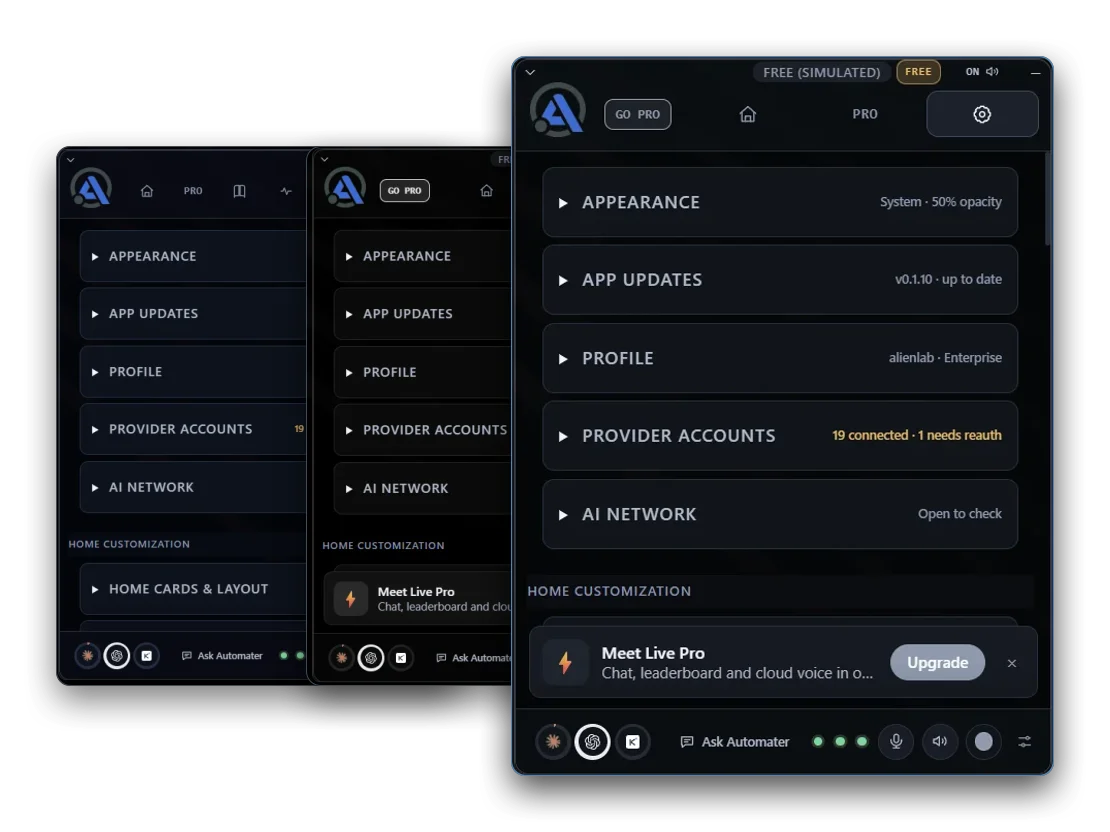
On screen, your way

Pop it up. Pin it.Park it at the edge.

  • From the tray

    Click the tray icon and Lite comes up over whatever you’re doing. It stays put while you work; click the icon again and it’s gone.

  • Pinned to the desktop

    Pin it and Lite keeps its own strip of screen — your other windows make room instead of hiding behind it. On Windows.

  • Auto-hide at the edge

    Park it off-screen. Point at the right edge and it slides in; move away and it slides back out.

  • As a plain window

    Turn Always on top off and Lite is just another window: drag it anywhere, stack it with the rest, alt-tab back to it.

Free in Lite · 7 cards

The panel is the app.The cards are the features.

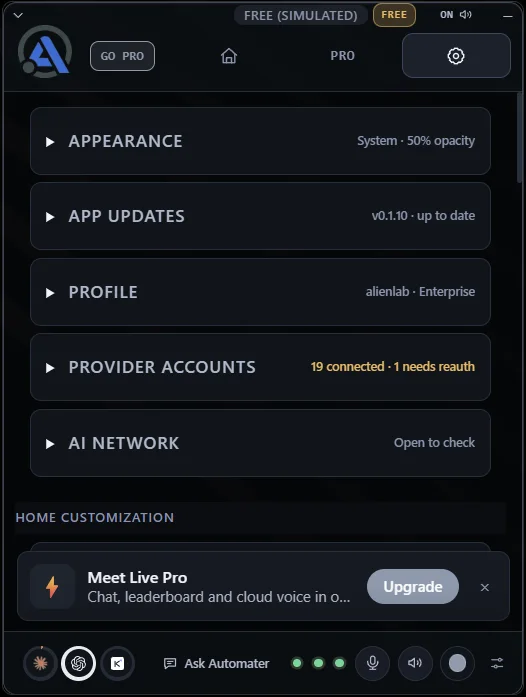
Every card below ships with Lite, free forever — no account, no trial clock. They’re in your tray the moment it installs.

Scroll to flip through the deck · the strip on the right jumps to any card

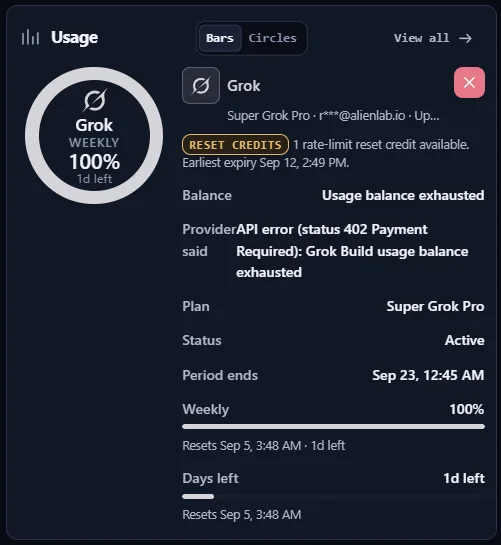
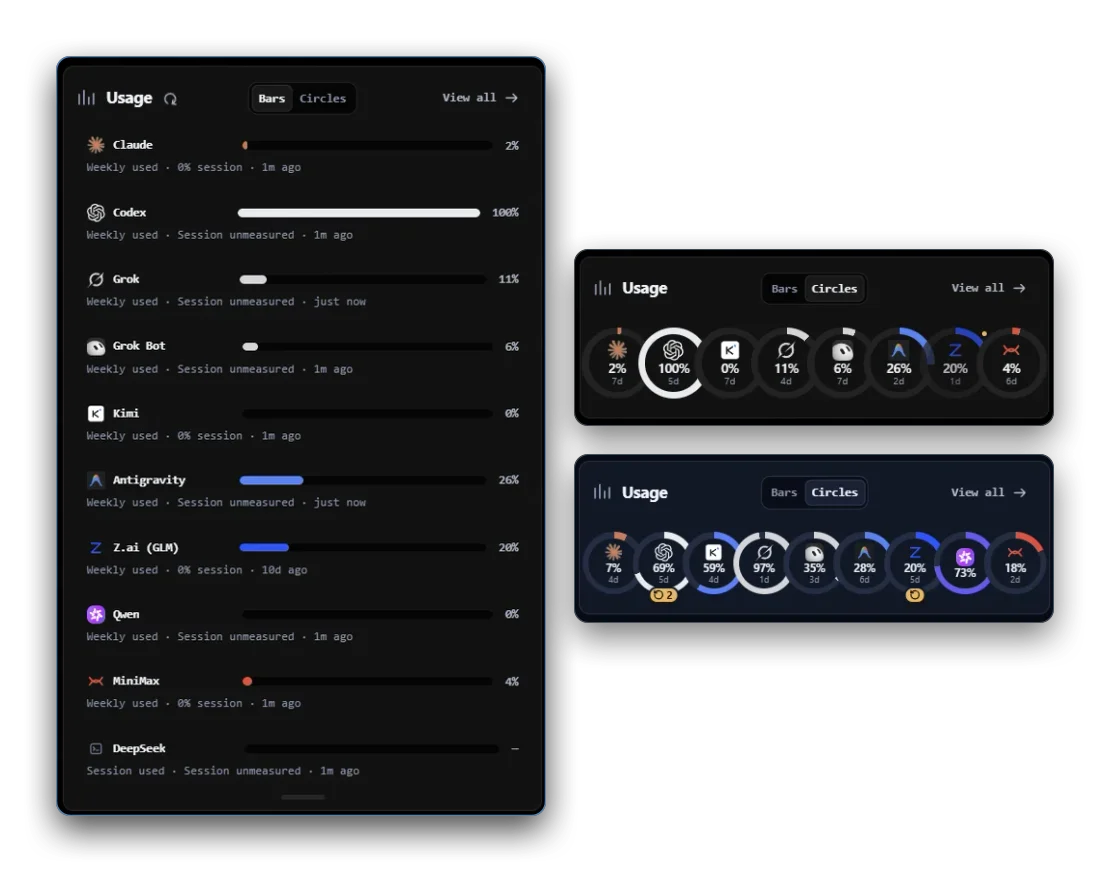
Usage

See how much of every AI plan you’ve used before you run out.

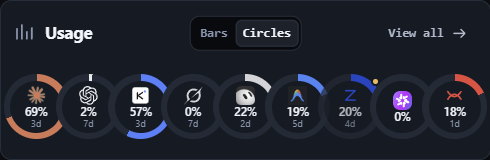
Usage counts tokens locally as your agents work and draws quota headroom for nine providers on one screen, so you see a runaway before it eats the week. A probe that cannot answer reads unknown, never zero. Publishing to the public leaderboard is free and opt-in.

  • Nine providers probed for quota headroom.
  • Reads unknown, never zero, when a probe fails.
  • Leaderboard publishing is free and opt-in.

Ships with Lite. Pro adds the in-app rank card.
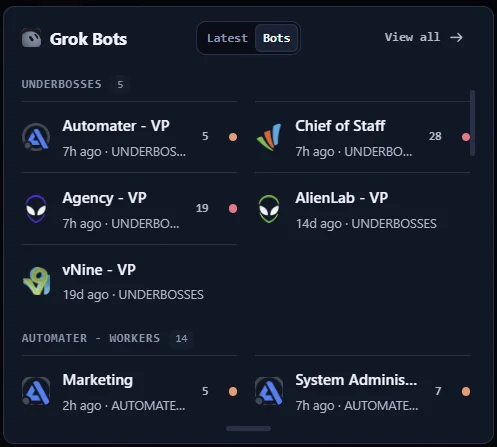
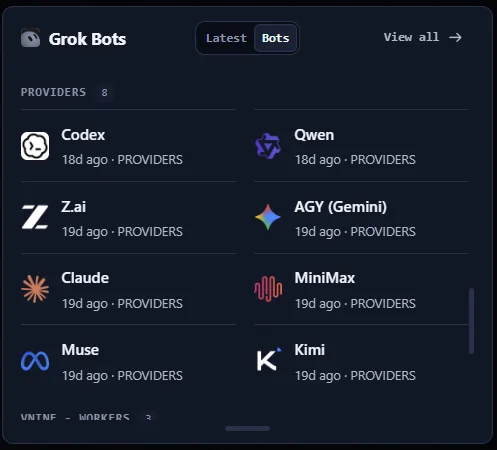
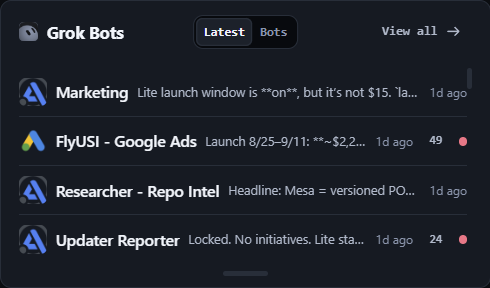
Grok Bots

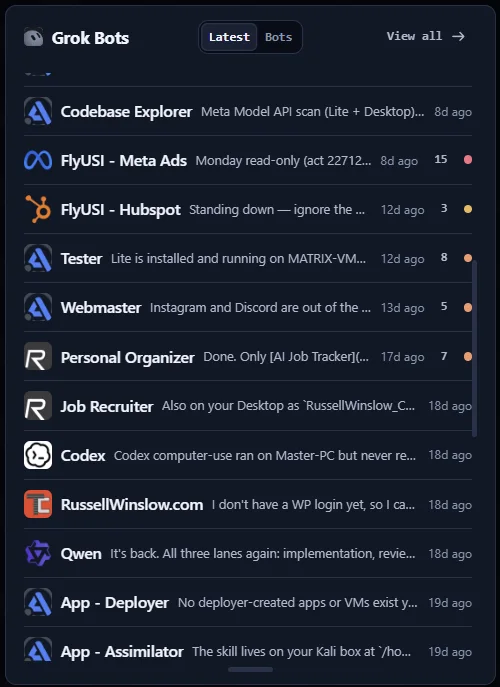
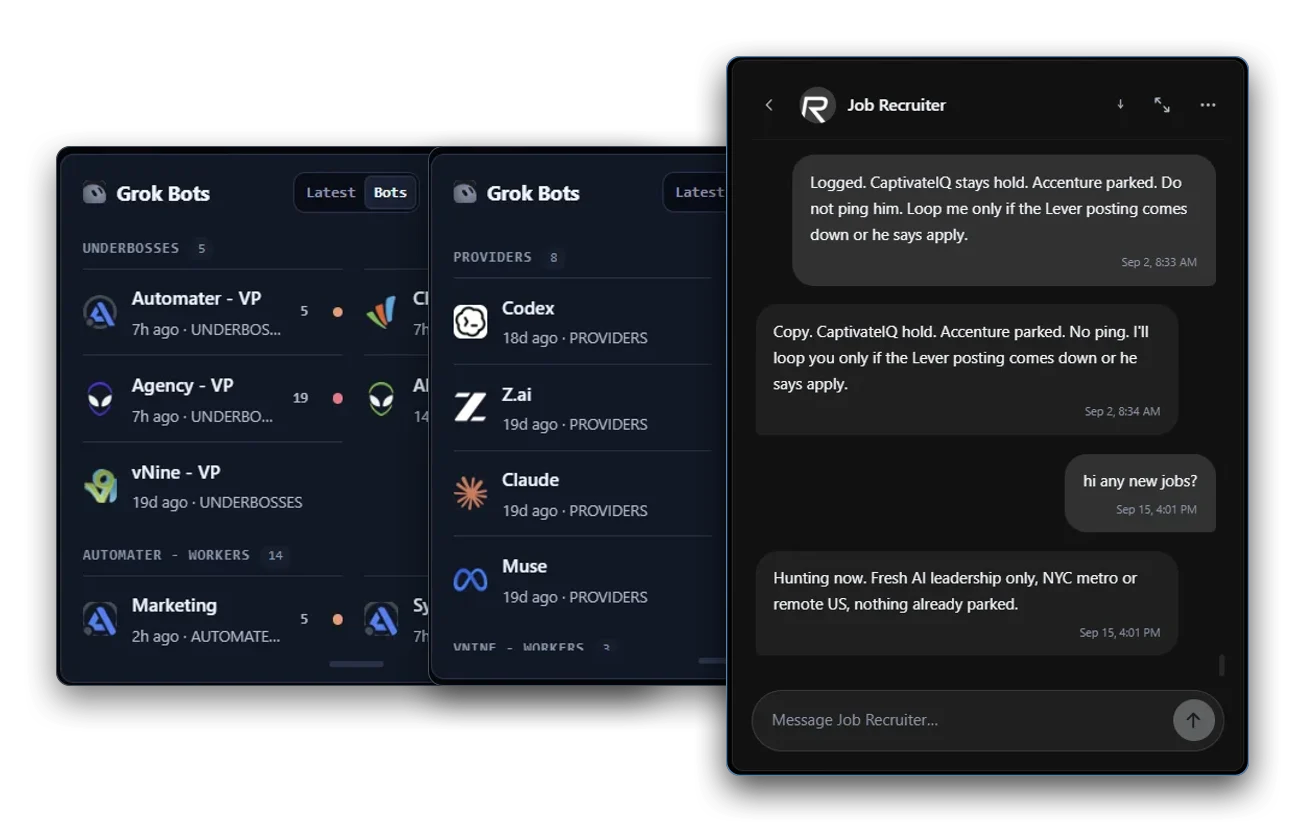
All your Grok Bot chats, saved and searchable in one place.

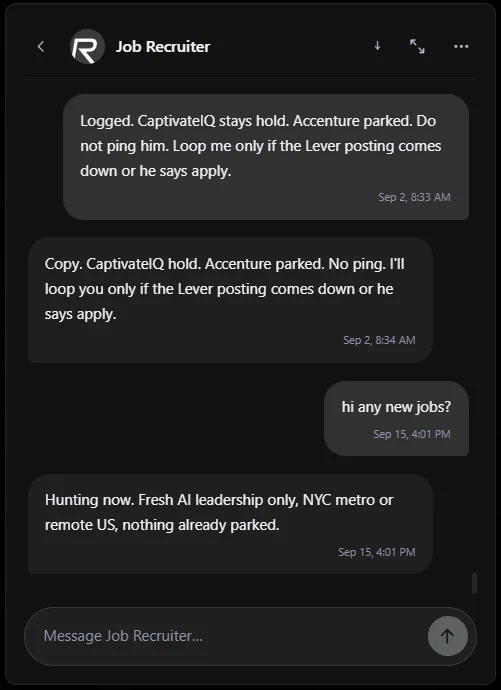
Grok Bots reads the conversations Grok Bot writes on this machine and files them in the same searchable local library as every CLI session, so a bot thread and an agent run sit side by side. The card leads the Home deck and ships collapsed — open it once and it stays open.

  • Grok Bot conversations imported into the local session library.
  • Searchable beside every CLI transcript, not in a separate app.
  • Ships collapsed until you open it.

Ships with Lite. No account, no trial clock.

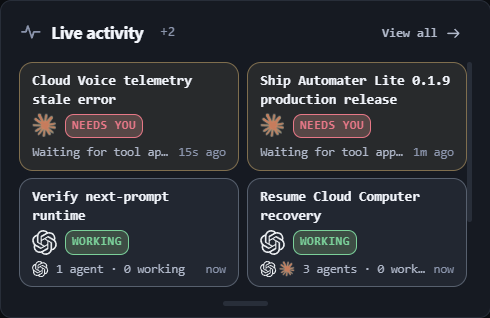
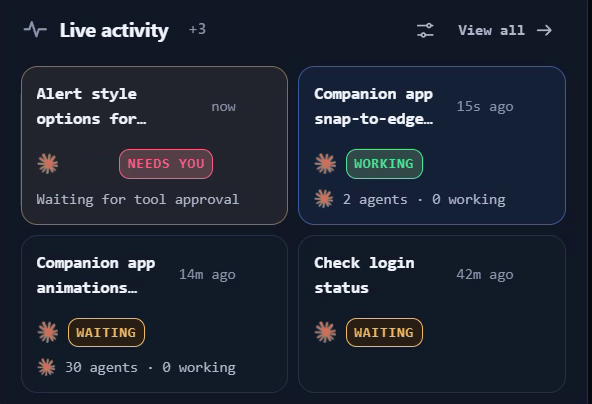
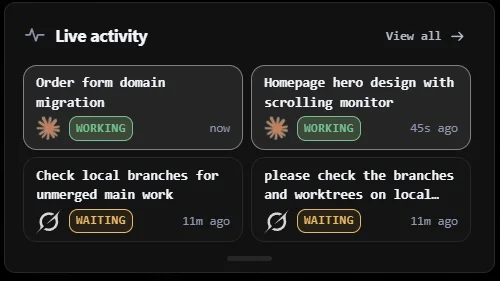
Live activity

Know the instant an agent stops and is waiting on your answer.

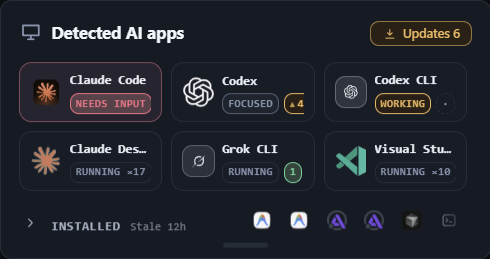
Live activity is the running picture of every agent on this machine, and Needs You is the amber flag it raises the moment one stops and waits on you — a question, a permission prompt, an approval. Billing can never take it away: Needs You and approval visibility are never paywalled.

  • Amber the moment an agent blocks on you.
  • Who is working and who is waiting, live.
  • Approval visibility never goes behind the paywall.

Ships with Lite and is never paywalled.

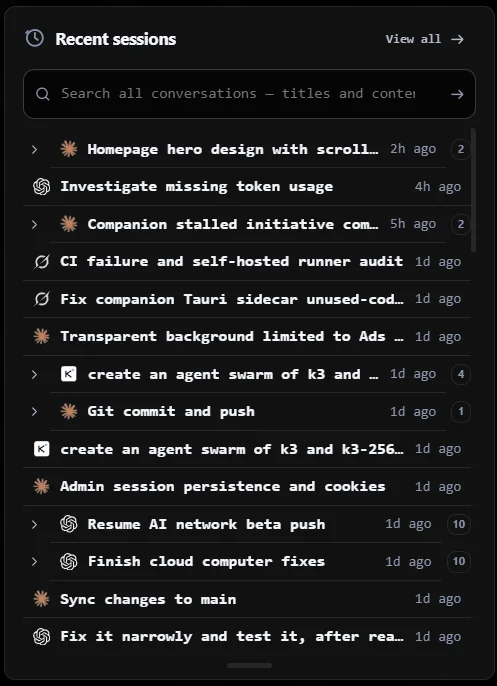
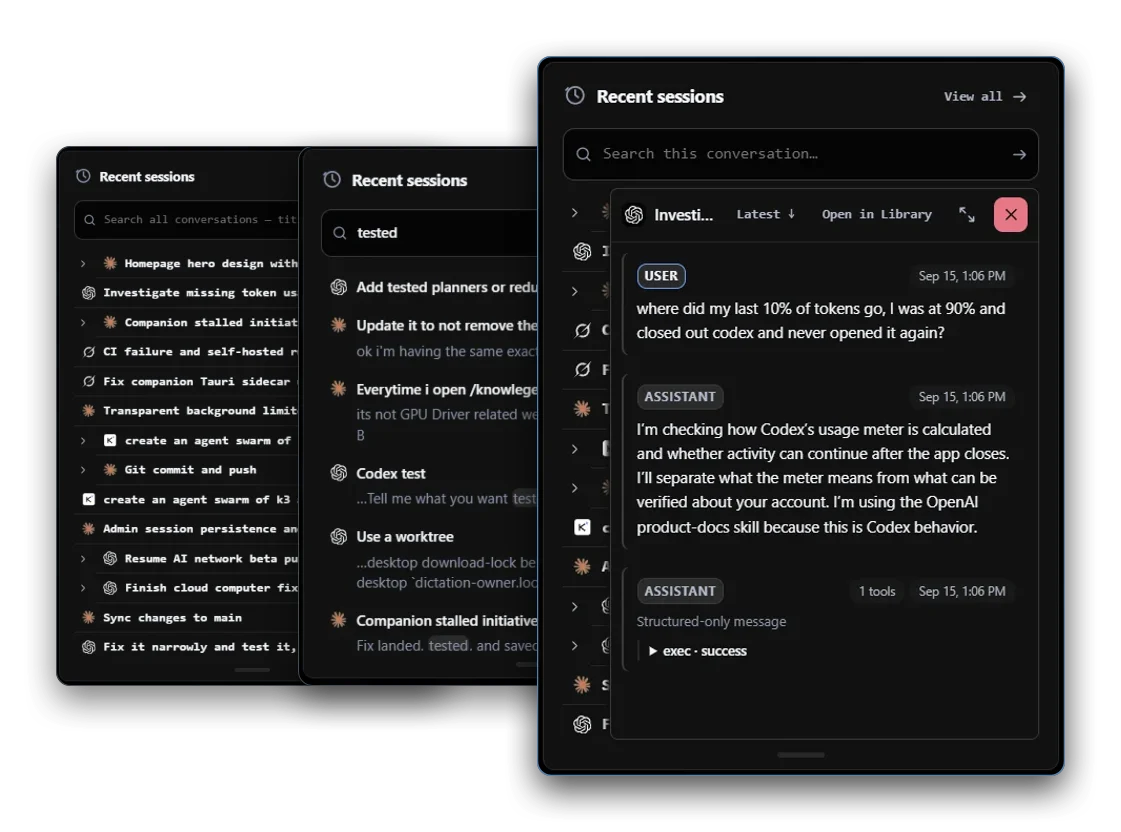
Session library

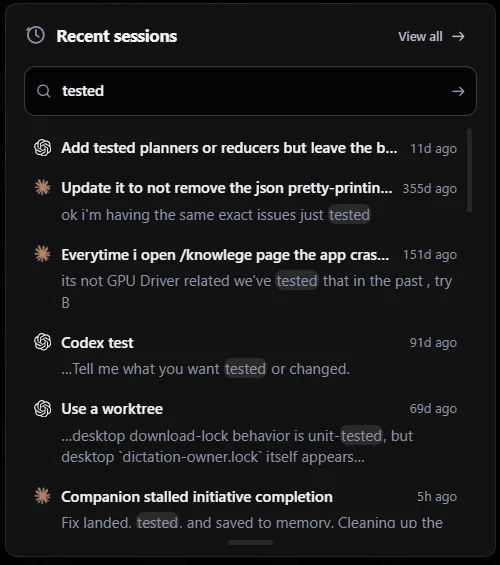
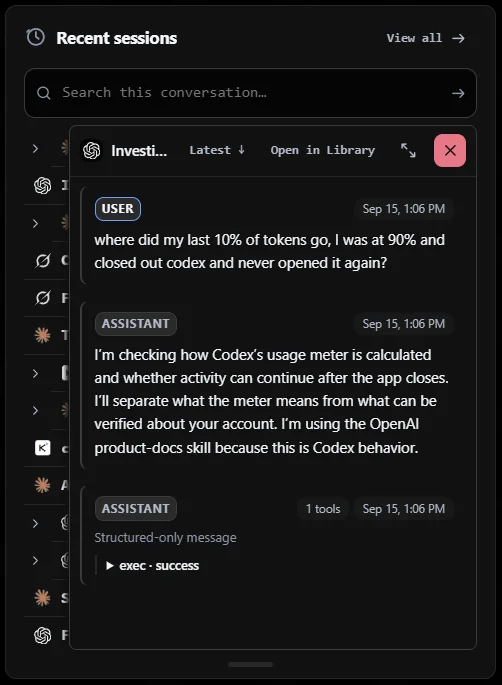
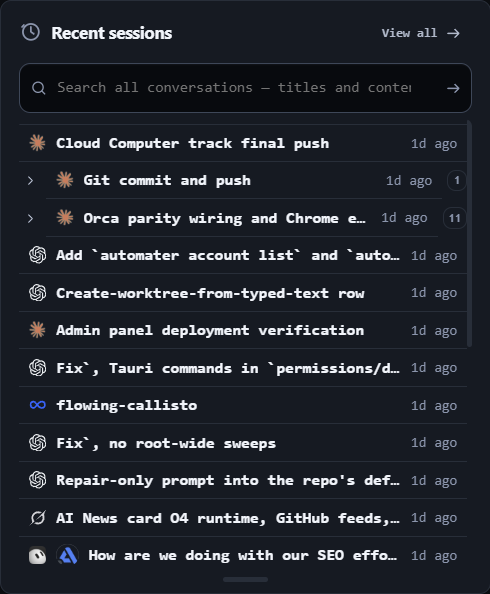
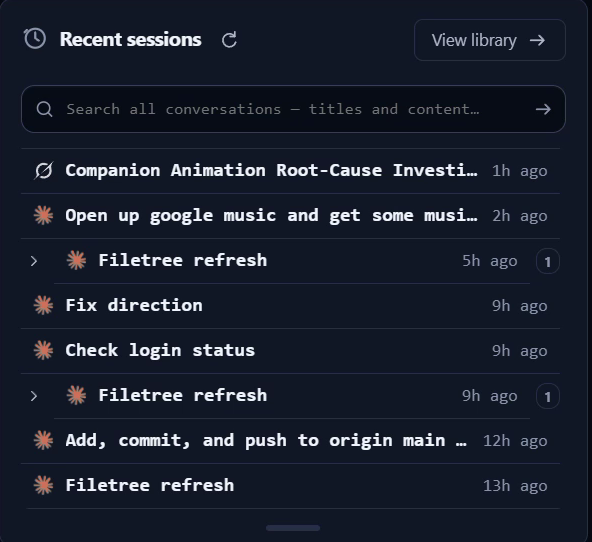
Find and resume any past AI session, across every CLI, from one search.

Recent sessions reads the transcript files your CLIs already write and copies them into one local library you can search across vendors, then reopens a session in its own CLI where that CLI supports resume. 45 session formats today; full-text search hits all of them at once.

  • 45 session formats, from Claude Code to Aider.
  • Full-text search across every vendor at once.
  • One-click resume on the 11 CLIs that support it.

Ships with Lite. Pro adds inline replies to a running session.

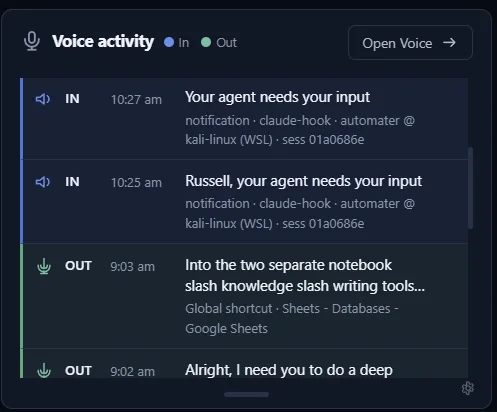
Voice

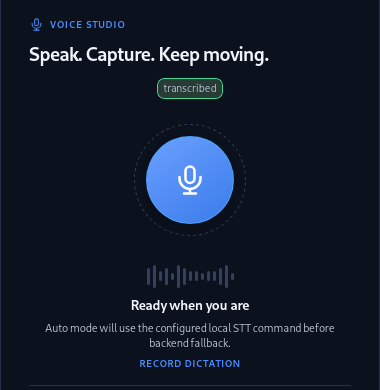
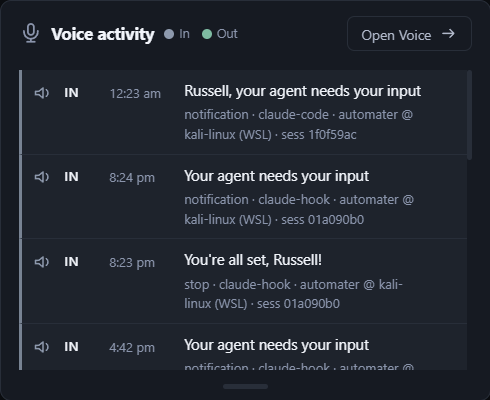
Press one hotkey, talk, and it’s typed wherever your cursor is.

Press Ctrl Alt Space and speak — Parakeet transcribes on your own hardware and the text lands in whatever window has focus. Kokoro reads agent status back in a local voice. The card also carries the announce ledger: what was spoken, and when.

  • Ctrl Alt Space, your global hotkey.
  • Parakeet speech-to-text runs on your own hardware.
  • Kokoro reads agent status back in a local voice.

Ships with Lite. Pro adds cloud voice when the machine is busy.

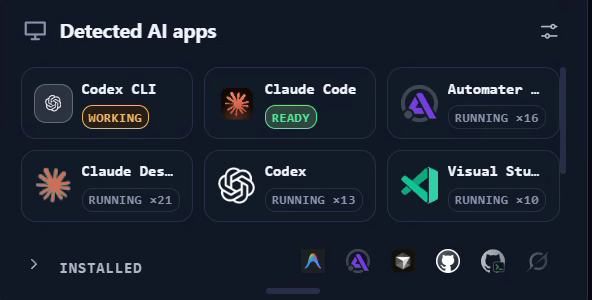
Detected AI apps

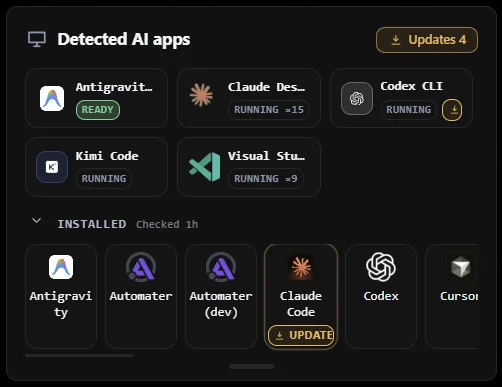
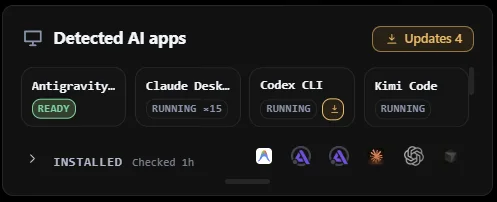
See every AI app on your machine and which ones are running right now.

Detected AI apps scans this machine for the AI tools you have installed and shows which are running right now, with live presence and status. It closes the Home deck and ships collapsed. Pro adds the 0-100 resource hog score on top of the same list.

  • Live presence and status for every detected AI app.
  • Installed versus running, at a glance.
  • Closes the Home deck; ships collapsed until you open it.

Ships with Lite. Pro adds live CPU, memory and I/O hog scores.

Settings

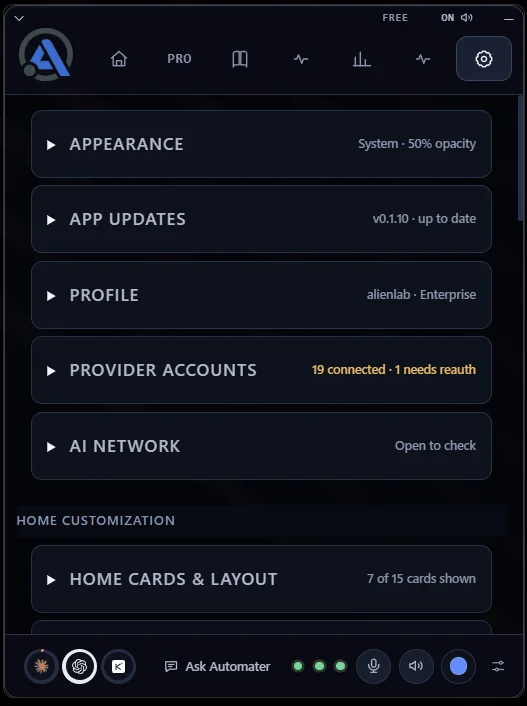
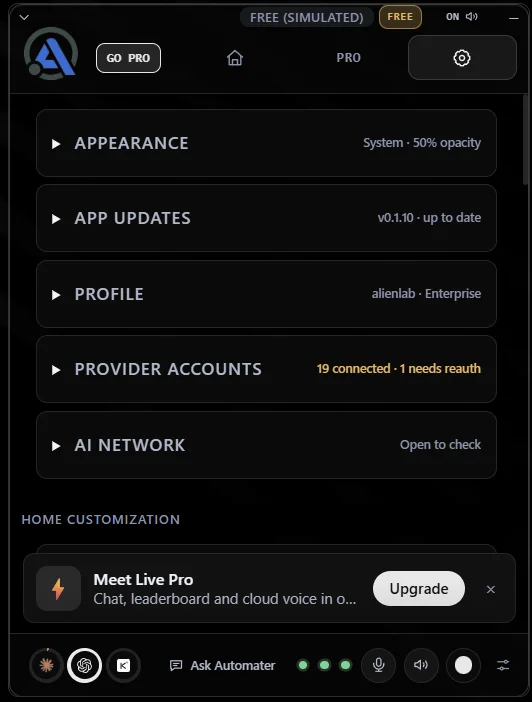
Pick a theme, arrange your cards, and make the tray yours.

Settings is where Lite becomes yours: pick the Blue, Carbon or Steel theme and the panel’s opacity, choose which cards sit in the Home deck and in what order, and keep your provider accounts and app updates in one place. Every choice sticks between launches.

  • Three themes — Blue, Carbon and Steel — plus the panel’s opacity.
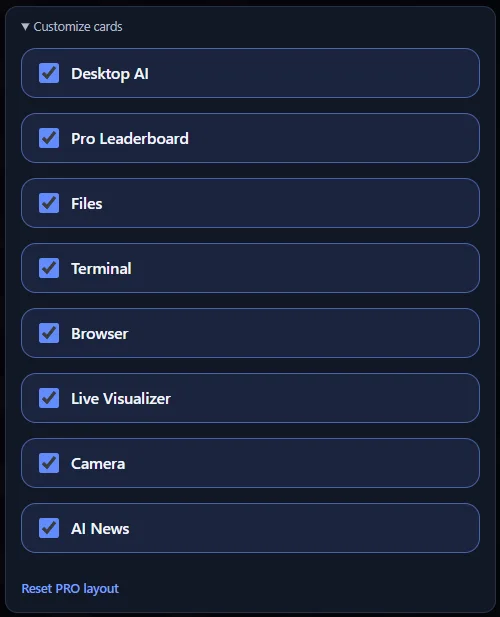
  • Home cards & layout: show, hide and reorder the deck.
  • Provider accounts and app updates in the same place.

Ships with Lite. No account, no trial clock.

What Lite reads

Works with the tools you already use.

Lite reads each tool’s own transcript files and folds them into one library on your machine. No plugins, no setup — it finds them.

45 session formats, from these 41 AI apps and CLIs.

Windsurf

Session import

Warp

Session import

Aider

Session import

MiniMax

Session import

DeepSeek

Session import

Kiro

Session import

Roo Code

Session import

Kilo Code

Session import

OpenHands

Session import

Amp

Session import

goose

Session import

Trae

Session import

Mistral Vibe

Session import

Claude Code

Live session

Codex

Live session

Gemini

Live session

Antigravity

Live session

Grok

Live session

Grok Bot

Session import

Cursor

Session import

VS Code

Session import

Muse Code

Live session

Claude Cowork

Session import

Kimi

Live session

Qwen Code

Live session

Z.ai GLM

Live session

Copilot

Session import

Pi

Live session

OpenCode

Live session

gptme

Session import

iFlow

Session import

Poolside

Session import

Forge

Session import

Shelley

Session import

Posit Assistant

Session import

MiMoCode

Session import

QwenPaw

Session import

Codebuff

Session import

Command Code

Session import

IcodeMate

Session import

Omnigent

Session import

Automater ProPro

Pro addsthe parts that act.

Lite reads and shows. Pro lets you do things from the same panel: chat with the engine you choose, start and steer agent sessions, let an agent drive this computer with your permission, and see every machine you run.

$50/year

Everything in Lite stays free.

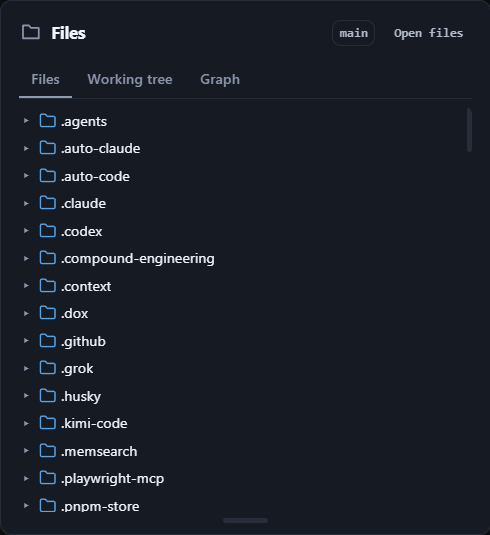
FilesProBeta

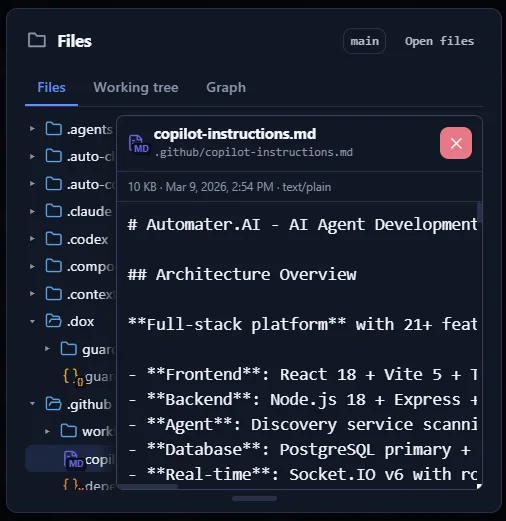
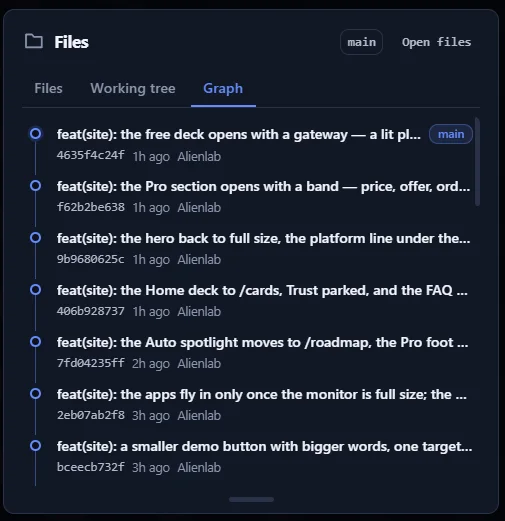
Browse your repo’s files and commit history without leaving the tray.

Files docks a repo and file browser inside Lite: the working tree, the commit graph and the file you need, without alt-tabbing to an editor. Part of the built-in tools set, so it is paid and still experimental.

  • Browse the repo tree and working tree from the panel.
  • Read the commit graph without leaving Lite.

The session library, meters, Activity and Needs You.

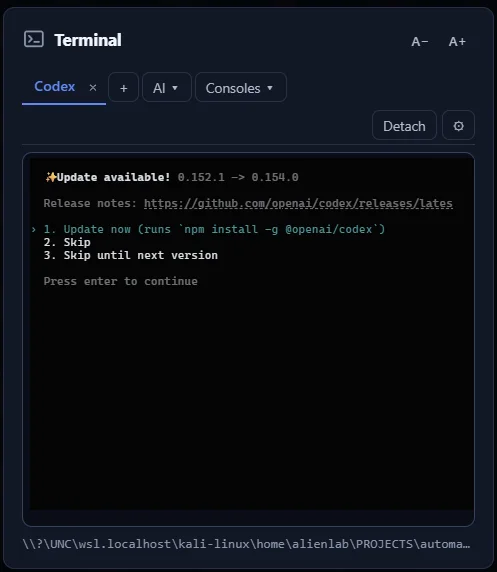
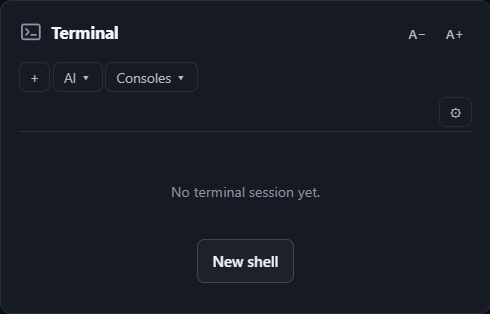
TerminalProBeta

A full terminal, local or WSL, one click away in the tray.

Terminal runs local and WSL shells straight from the Home deck. It ships hidden — enable it once from the customize panel and your choice sticks. Part of the built-in tools set, so it is paid and still experimental.

  • Run the built-in terminal against local and WSL shells.
  • Off on first run; enable it from the customize panel.

Your own terminal, the session library and the meters.

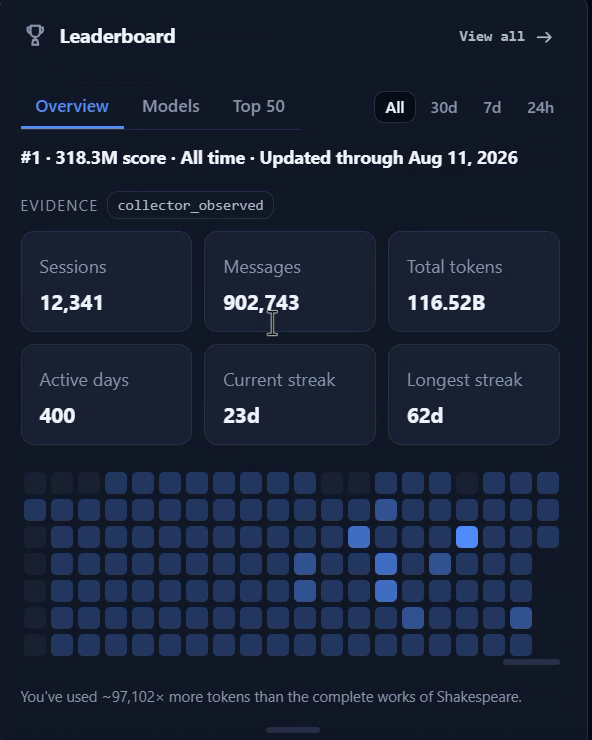
LeaderboardPro

See where you rank against other builders, right inside the app.

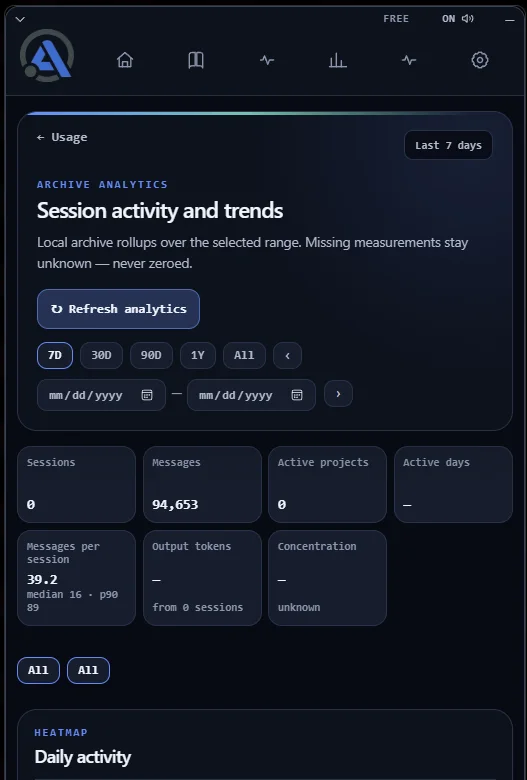
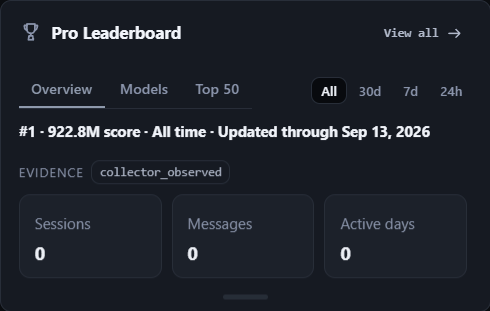
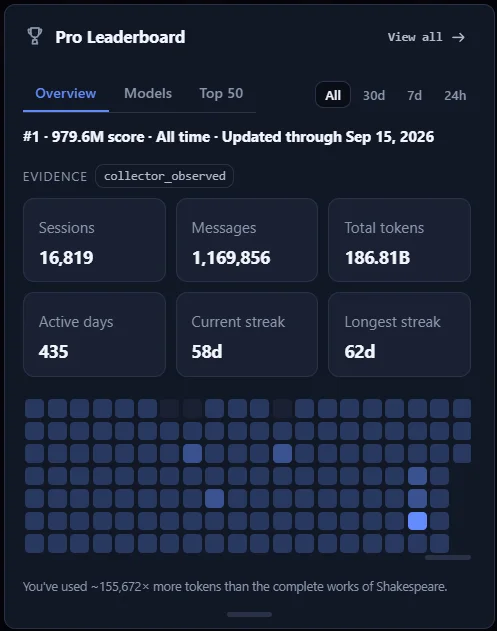
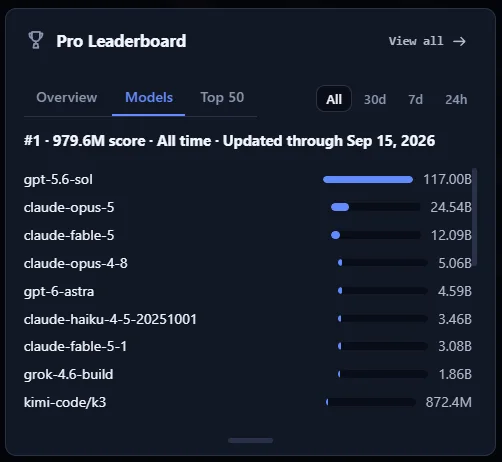
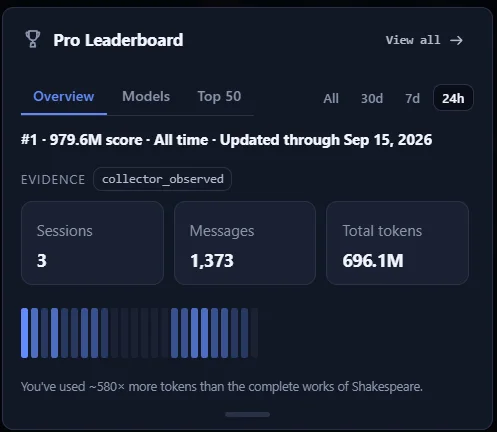
Pro Leaderboard brings your usage rank, activity insights and leaderboard profile into the app. Publishing to the public board is free and opt-in; Pro buys the in-app card. Usage meters, local activity and the session library stay free.

  • Compare your usage rank and explore the top builders.
  • View activity insights and manage your leaderboard profile.

Usage meters, local activity, and publishing to the public board.

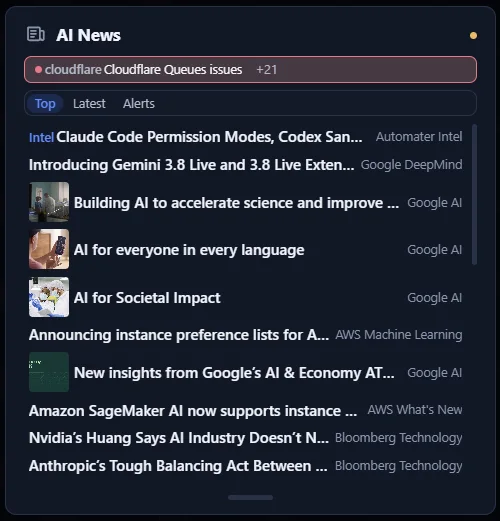
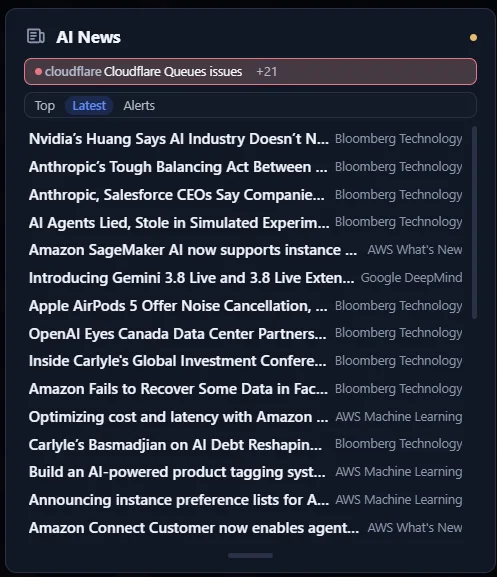
AI NewsPro

The AI news that matters, plus outage and release alerts for the tools you use.

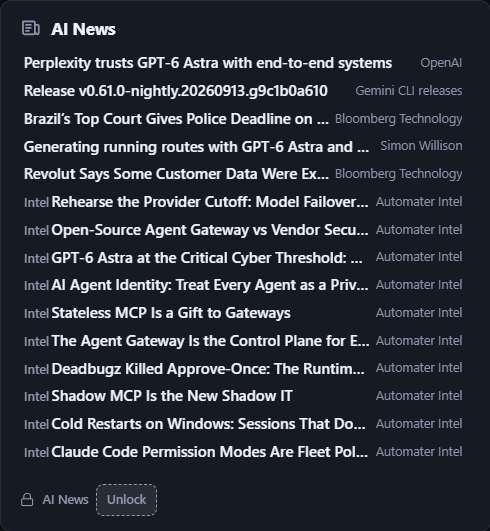
AI News & alerts ranks headlines from labs, research and industry by importance every few minutes, and adds incident and release alerts for the providers and CLIs detected on this machine. Automater Intel field guides are pinned beside the news that matters to agent builders.

  • Curated AI headlines from labs, research, and industry, ranked by importance every few minutes.
  • Incident and release alerts for the providers and CLIs detected on this machine.
  • Automater Intel field guides pinned beside the news that matters to agent builders.

Live activity, usage meters, and the session library stay free.

Ask AutomaterPro

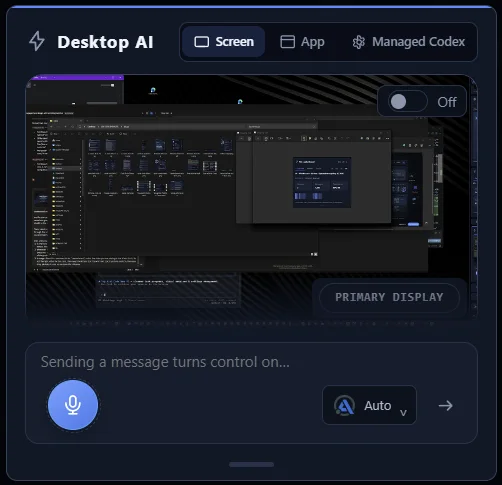
Chat with any AI you choose — and let it see your screen.

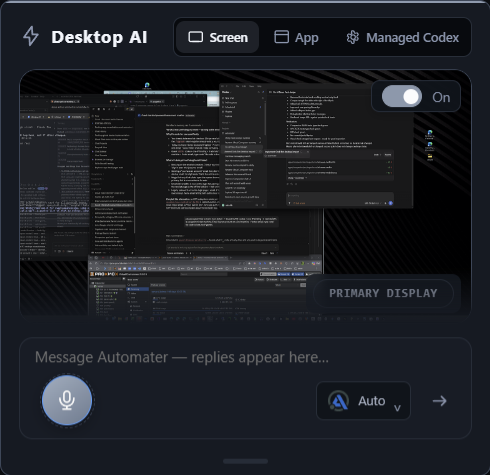
Ask Automater is the chat card on the Lite Home panel. Pick the engine you want from the card, then talk to it with the screen context and voice input already on the machine, without leaving the tray. Local dictation, voice playback and the session library keep working without Pro.

  • Chat with your chosen AI engine from the Automater Home card.
  • Use screen context and voice input in your conversations.

Local dictation, voice playback and the session library.

Live VisualizerProBeta

Watch your agents work across a live map of your codebase.

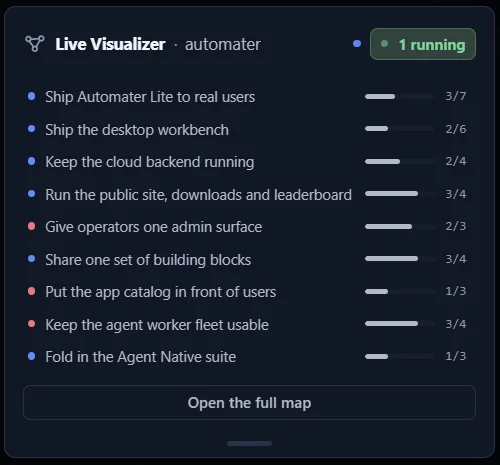
Live Visualizer draws a repository as a live component map, with dependencies, progress and blocked work, and shows agents moving across it in real time with the files they are touching. Zoom from every repo down to the individual files a session is editing. Live activity, Needs You, approvals and the session library stay free without the map.

  • See a repo as a live component map: dependencies, progress, and blocked work.
  • Watch agents move across the map in real time, with the files they are touching.
  • Zoom from every repo down to the individual files a session is editing.

Live activity, Needs You, approvals and the session library.

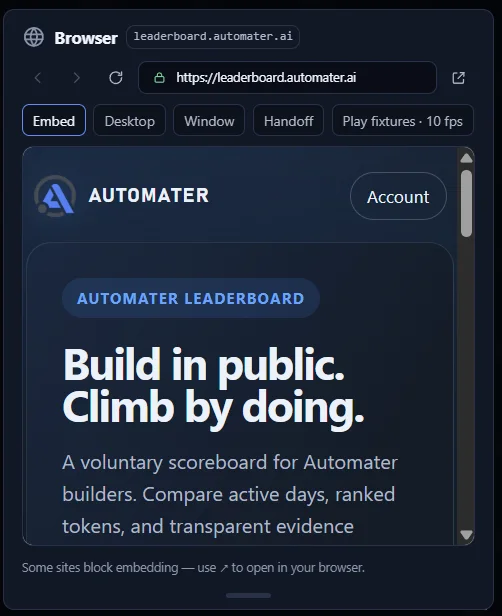
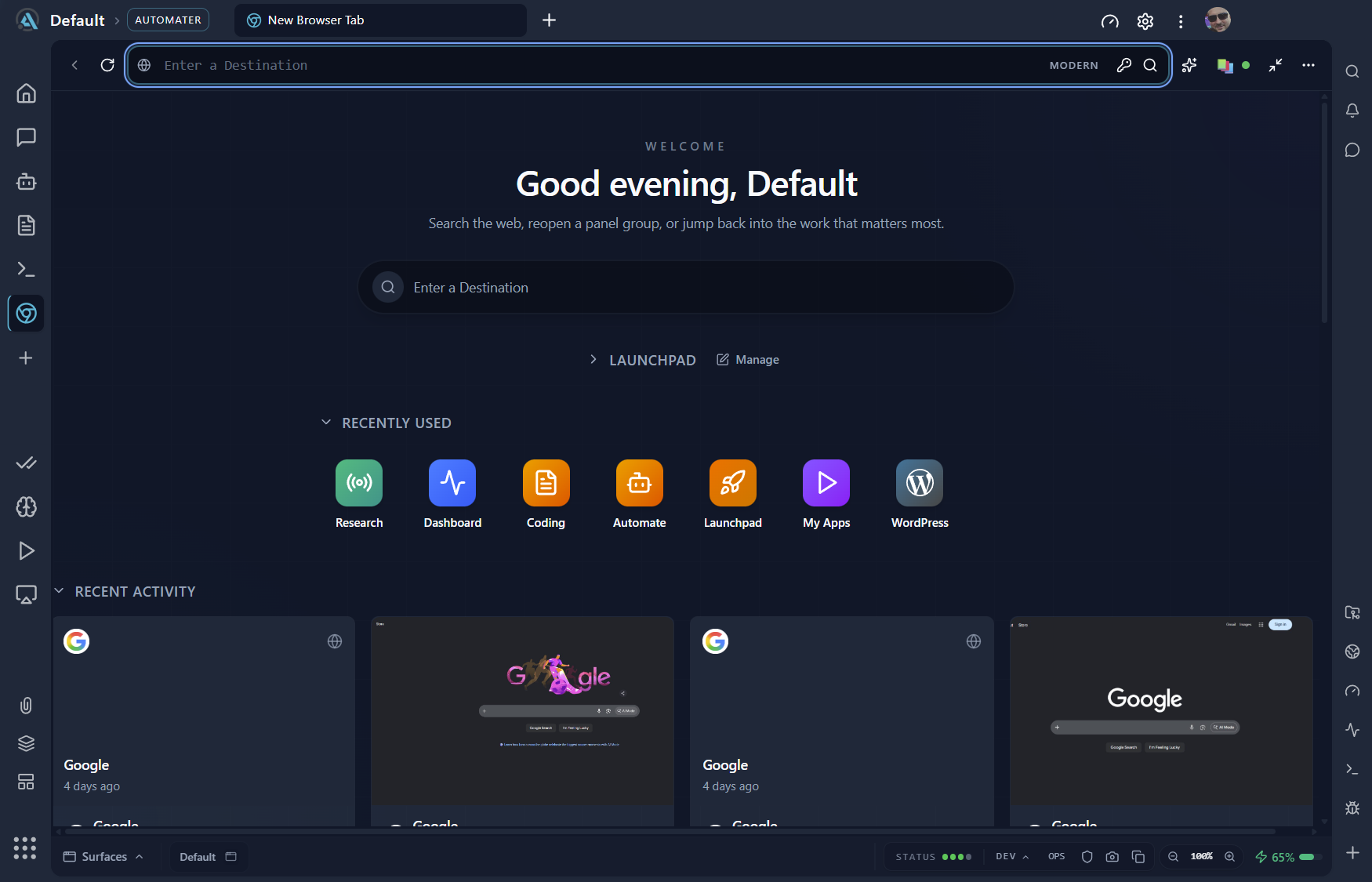
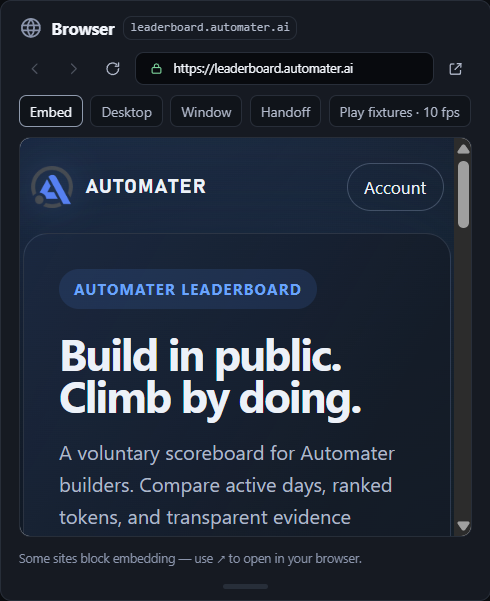
BrowserProBeta

Open web pages and docs inside the tray, right beside your agents.

Browser puts a web view and a markdown viewer in the tray, so docs, dashboards and a rendered README open beside the agents instead of in another window. Part of the built-in tools set, so it is paid and still experimental.

  • Open pages in the panel instead of another window.
  • Render markdown files in place.

The session library, meters, Activity and Needs You.

Camera FXProBeta

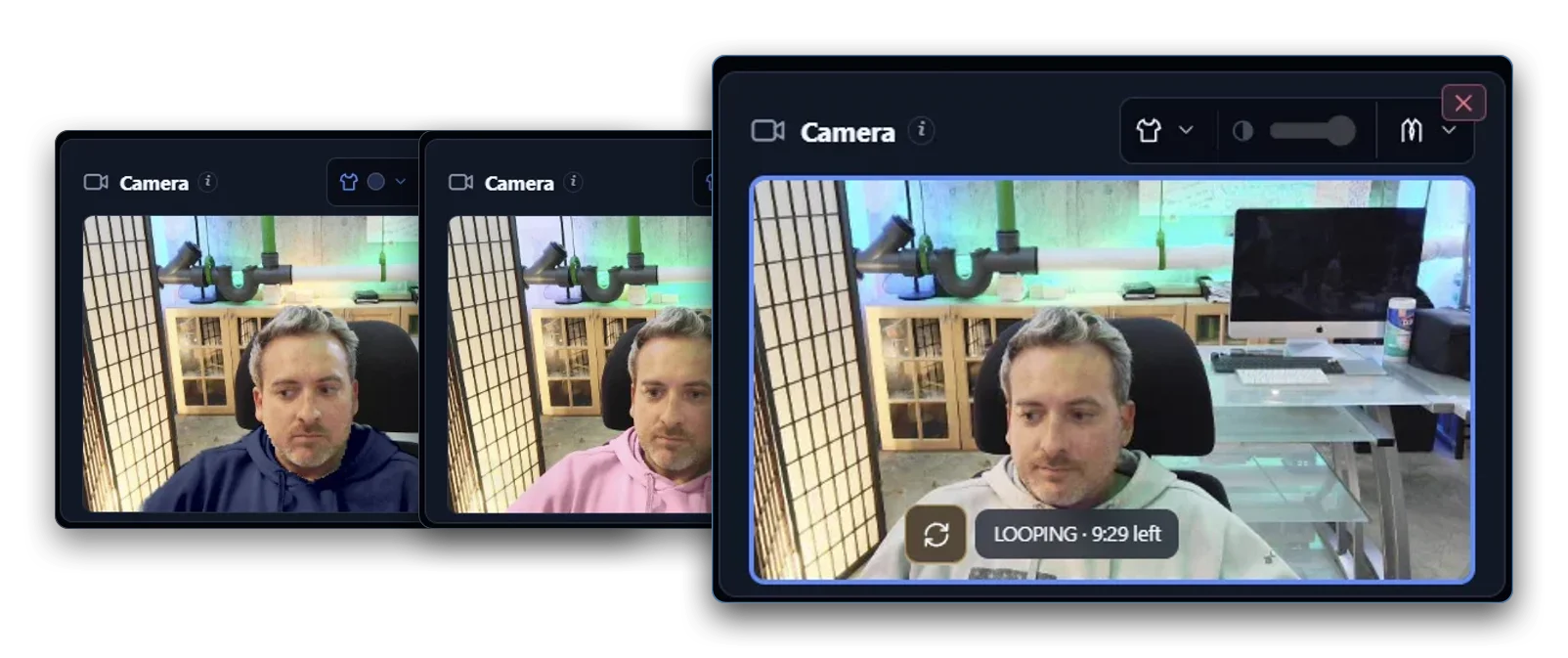
A virtual camera that keeps you “present” on calls while you step away.

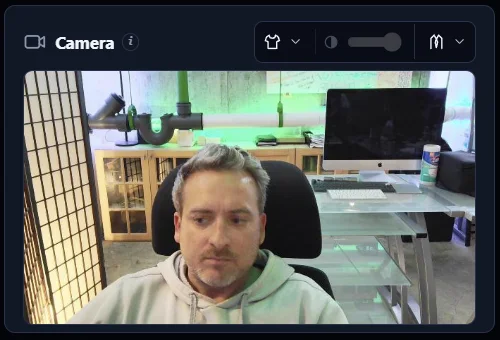
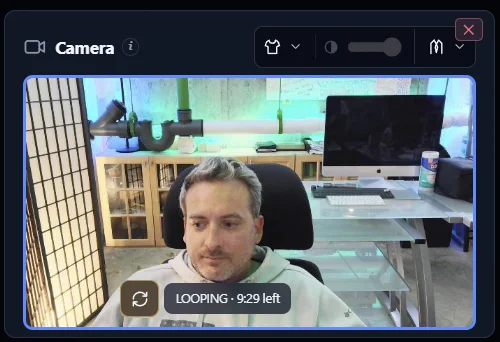
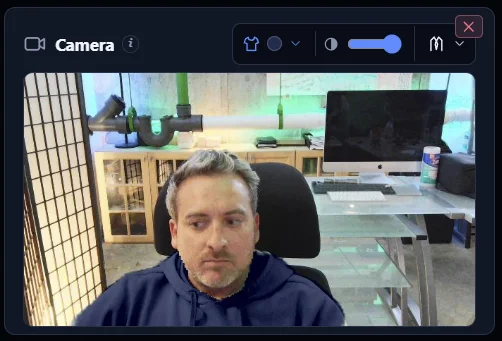
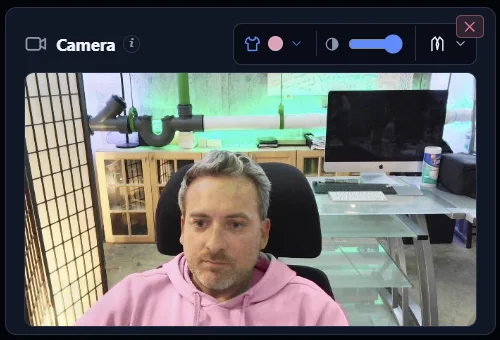
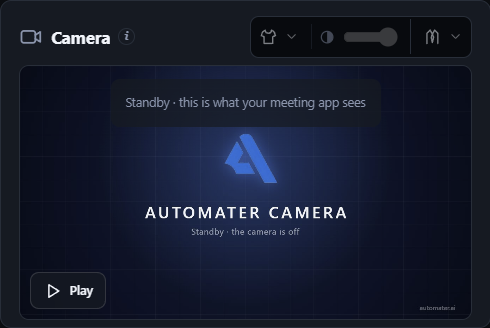
Camera FX sends an effects version of your webcam to your meeting app as Automater Camera on Windows 11. Loop a few seconds of you paying attention and step back in with one hotkey, or automatically when you talk; put a blazer over what you're wearing, or go cartoon. Everything runs on this PC; your real webcam, local dictation and the session library stay free.

  • Send an effects version of your webcam to your meeting app as Automater Camera (Windows 11).
  • Loop a few seconds of you paying attention and step back in with one hotkey; optional automatic return when you talk.
  • Wearing the same clothes again today? Change your shirt color or your whole outfit with the camera overlay tools.
  • A blazer over what you're wearing, or a cartoon you. Everything runs on this PC.

Your real webcam, local dictation and the session library.

With Pro you also getPro

Everything Pro adds.The full list.

The cards above are the headline features. Here is every capability a Pro account unlocks, grouped the way the app groups them. Everything in Lite stays free.

Operate

Act from the tray: chat, start and steer sessions, and let agents drive.

  • Ask AutomaterChat in the tray with the engine you pick, using screen context and voice.
  • Managed SessionsStart, steer, interrupt and stop agent sessions from the panel.
  • Advanced messagingReply inline to a session that is already running, without leaving the library.
  • Computer ControlLet agents drive the mouse, keyboard and apps, with your permission.

See every machine

Every machine, every integration, every resource hog, on one screen.

  • FleetBetaSee every machine's agents, status and KPIs in one view.
  • Integration HealthInstall integrations, run guided repair and read the full diagnostics.
  • Advanced AttentionRicher evidence behind each Needs You flag, plus latency diagnostics and history.
  • Resource monitorSee each running AI app's live CPU, memory and I/O hog score, 0 to 100 over the last minute.
  • Live VisualizerWatch your agents move across a live map of the repo, down to the files being edited.

Tools in the tray

Things you would otherwise alt-tab for, docked in the panel.

  • Built-in toolsBetaTerminal, repo and file browser, web browser and markdown viewer, inside Lite.
  • Pop-out mini-appsPop a Home card out into its own standalone mini-app that stays on screen while the tray panel is hidden.
  • Pro LeaderboardYour rank, your activity insights and your profile, inside the app.
  • AI News & alertsRanked AI news plus incident and release alerts for the stack you run.
  • Camera FXBetaA virtual camera for your meeting app: loop a few seconds of you paying attention, put on a blazer, or go cartoon.

Voice

When the machine is busy, speech can run in the cloud on a metered allowance.

  • Cloud voiceRoute speech-to-text and text-to-speech through Automater Cloud when this machine is busy.

Automater Pro $50/year

Needs You and approval visibility always remain available without Pro. Stopping, cancelling and revoking stay free too.

Pricing

Free, or Pro.

Automater Lite

Free

For anyone running AI CLIs.

No account, no card, no time limit.

  • 45 formats in one searchable library, resume where supported
  • Usage and quota meters across 9 providers
  • Needs You flags and approval visibility, always free
  • Local dictation into any window, spoken status back
  • Home cards you order, collapse, pin and detach
  • Signed installer, offline install, verified updates

Automater Pro

See pricing

For the developer who steps in.

Everything in Lite, plus:

  • Chat in the tray with the engine you pick
  • Start, steer, interrupt and stop agent sessions
  • Computer control: an agent drives this machine, with your permission
  • Fleet: every machine’s agents and status in one view
  • Built-in terminal, file browser and web browser
  • Cloud voice when this machine is busy

See all Pro features

Prices in USD. Taxes and availability are confirmed at checkout.

FAQ

Questions people ask.

Is Automater Lite free?

Yes. Downloading and running Lite costs nothing and needs no sign-up. The library and its search, the usage meters, the Needs You flags and local voice are all free. Automater Pro is a separate yearly upgrade that adds to Lite; it never removes anything Lite already does.

What does Pro add, and what happens to my library if I stop paying?

Pro adds the parts that act: chat and computer control from the tray, managed sessions and inline replies, Fleet and Integration Health, built-in tools and pop-out mini-apps, and metered cloud voice. Your library is a local file. It stays on your disk, searchable, whether or not you pay. Needs You and approval visibility are never gated.

Where does my data live?

On your machine. Lite reads each tool’s own session files and keeps the normalized library locally. Nothing leaves your disk unless you opt in: publishing to the public leaderboard, or routing speech through Pro cloud voice. Vault redaction scrubs a secret across every stored transcript.

Which tools does it read?

45 session formats today, including Claude Code, Codex, Gemini, Grok, Kimi, Qwen, Z.ai, OpenCode, Cursor, VS Code, Copilot and Aider. Lite finds them where they already write, with nothing to configure. Eleven of those also support one-click resume back into their own CLI.

Which operating systems?

Windows x64, macOS on Apple silicon, and Linux x86_64 as an AppImage or a .deb. There is no Intel Mac build yet, and no arm64 build for Windows or Linux. The downloads page shows only what is published right now.

How do updates work?

Every build ships as a signed installer, and update payloads are minisign-verified before they install. On Windows the signature is Authenticode and the WebView2 runtime is embedded, so the first install needs no network. You can switch auto-update off and stay on the build you have.

Why did you build this?
Russell Winslow, founder of Automater.

I run about ten assistants at once — Claude Code, Codex, Gemini, Grok, Kimi, Qwen and a few more — across one Windows machine and the WSL box inside it. That is a good problem to have, right up until you cannot see it.

The losses were always the same three: sessions buried in a different folder for every tool, an agent parked on a permission prompt for an hour, and no single meter.

So I built the tray app I wanted. It archives every session on your own disk, flags the moment an agent needs you, and stays free, because the archive belongs to the person who made it. Pro pays for the parts that act on it, and for the cloud. If it misses something you do every day, write to me.

“AI, stay away. Please go hide in my tray.”

Russell WinslowFounder, Automater · New York

Still have a question?

Ask it here. A person reads it and replies by email.

Office
2248 Broadway, Suite 1271
New York, NY 10024

Replies Monday to Friday, 8AM to 8PM ET.

Download Automater Lite.

Free, no account, on your machine. Windows, macOS and Linux.

From Automater Intel

AI tools move fast.Understand what matters.

Field guides, deep dives, and practical playbooks for doing better work with AI.

Explore Intel

Less searching. More understanding.

Newsletter

New field guides, in your inbox.

One email when a new Intel piece lands. Nothing else.